The publishing industry doesn't make things easy for us indies. Thank you for being willing to put in this little bit of extra effort to support an indie author and small business.
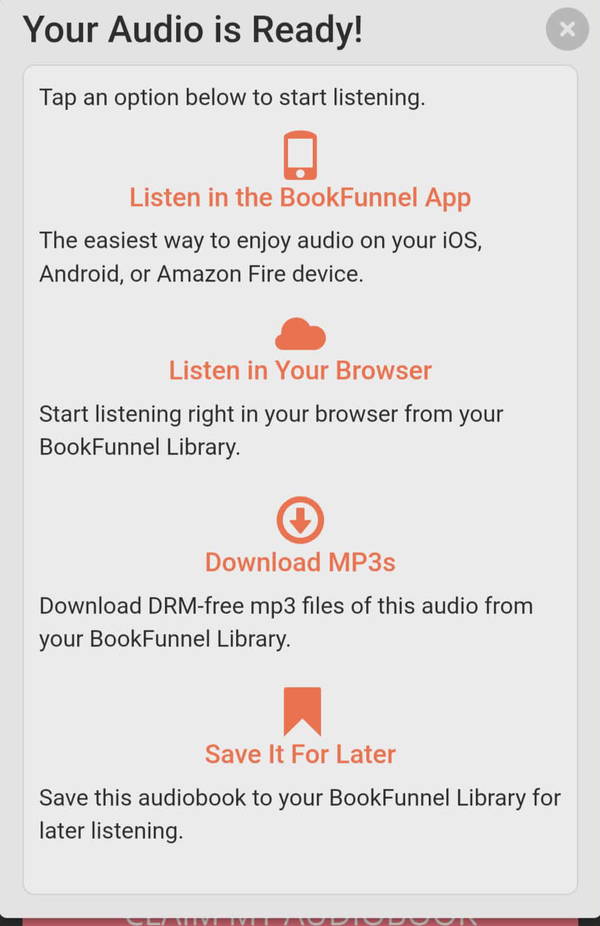
After you reach the YOUR AUDIO IS READY! screen (re: above image), you're going to...
Select DOWNLOAD MP3s
The audio tracks will download to your computer in a zipped file (titled Awaken the Dawn_Audiobook).
Unzip the file to extract the audio tracks
The tracks are numbered 01 to 60, so they should appear in order.
Log in to the Spotify’s Desktop App, go to SETTINGS, and enable LOCAL FILES
In the SHOW SONGS FROM section (still in SETTINGS), select ADD A SOURCE, and then choose the folder on your computer that contains the audiobook tracks
This enables Spotify to “see” and therefore access audio files in that specific folder.
Make sure you select the folder with your audiobook (Awaken the Dawn_Audiobook). There are 60 tracks total.
You do NOT need to import the tracks. When you enable Local Files, you’re giving Spotify permission to access any audio files in the folder you selected.
The files may appear out of order in Spotify. THAT’S OKAY! It’s an easy fix…
Now that Spotify can see those audio files, you'll need to create a playlist in the app (can be done on Desktop or Mobile app). You can name the playlist whatever you want - something like Awaken the Dawn Audiobook, ATD Audio, or something similar.

After you've done that...
Go to the Local Files folder in Spotify
It’s bright green and will be in your Spotify library along with your playlists and favorites.
Select the audio tracks for Awaken the Dawn (there should be 60) and add them to your new playlist.
The easiest way is to SELECT ALL and then drag-and-drop the tracks into the playlist.
This step looks something like this (I named my playlist ATD Audio)...
The Spotify app does NOT order the tracks sequentially for some reason.
To order them sequentially, just sort them them by Title. It looks like this...
That's it! Now you can listen to your audiobook from Spotify's desktop app or your mobile device.
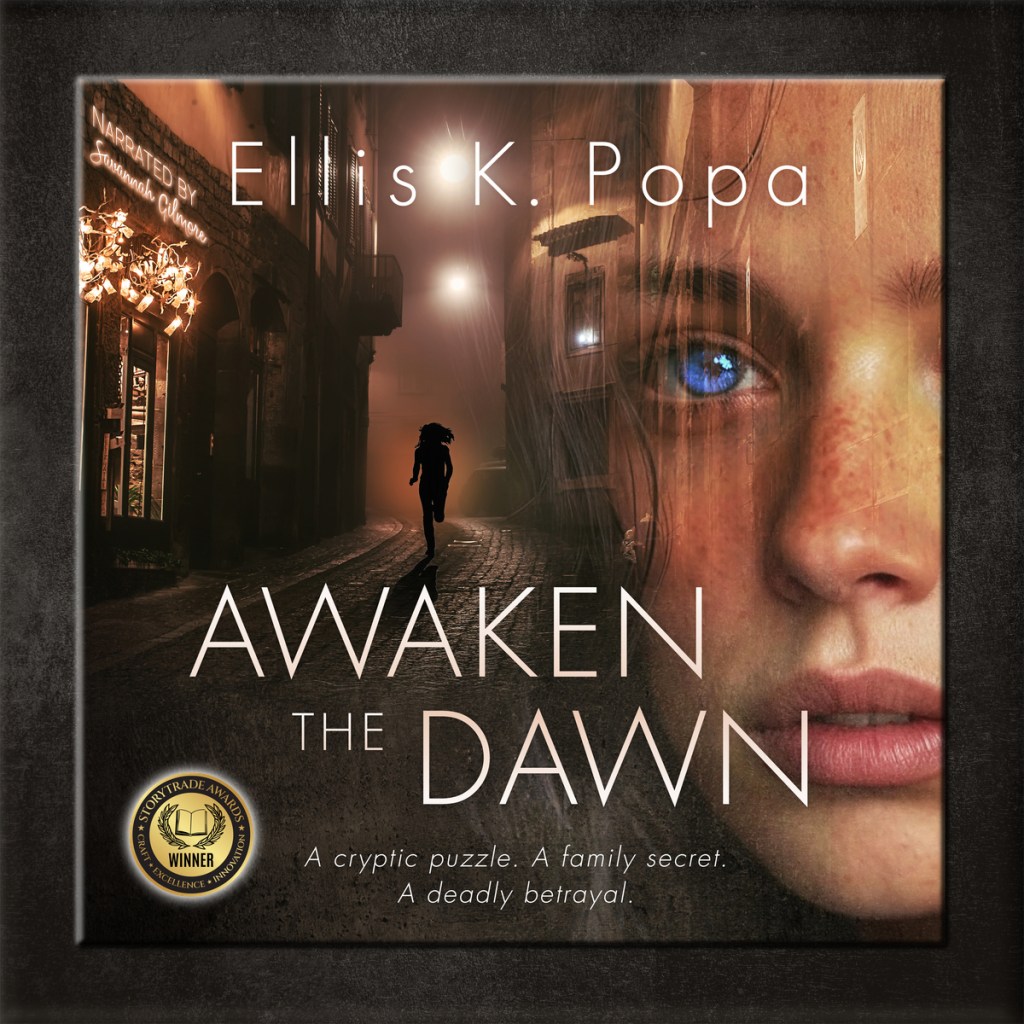
Audiobook Cover (optional)
If you'd like to set the cover as the Playlist's main image, I'm providing it here. THIS IS TOTALLY OPTIONAL. Some listeners want this, others don't.
Thank you so much again for supporting my work! A lot of heart went into this audiobook, and I hope you love it!



 Ellis Kaye Creates